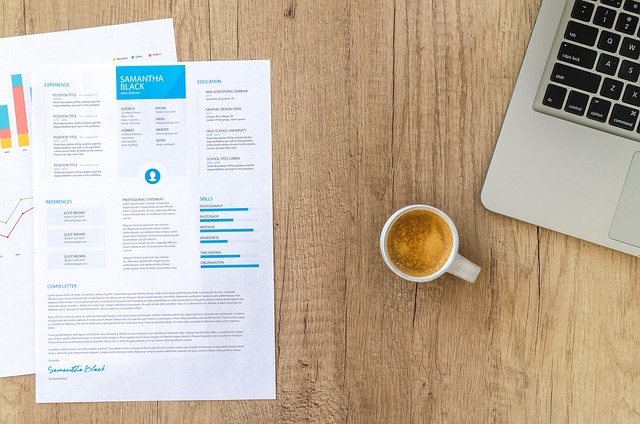
Understanding the Basics
Before you start typing, know the purpose of a resume: it’s a marketing document that showcases your skills, experience, and achievements to potential employers. Keep it concise, relevant, and tailored to the job you’re applying for. A well‑structured resume typically ranges from one to two pages, depending on your career level.
Choose the Right Format
There are three common resume formats:
- Chronological: Lists work experience in reverse‑chronological order. Ideal for candidates with a steady employment history.
- Functional: Highlights skills and accomplishments rather than job titles. Great for career changers or those with employment gaps.
- Combination (Hybrid): Merges the strengths of chronological and functional formats, emphasizing both skills and work history.
Pick the format that best aligns with your background and the job description.
Craft a Strong Header
Place your full name at the top in a larger font, followed by your phone number, professional email address, and LinkedIn profile URL. Avoid using personal nicknames or unprofessional email addresses.
Write a Compelling Summary
The summary (or objective) is a brief, 2‑3 sentence snapshot of who you are and what you bring to the table. Use action verbs and quantify results when possible. Example:
“Results‑driven marketing specialist with 5+ years of experience increasing brand awareness by 30% through data‑focused campaigns.”
Highlight Your Experience
For each position, include:
- Job Title
- Company Name and location
- Dates of Employment (month and year)
- Key Achievements: Use bullet points, start with strong verbs, and add numbers (e.g., “Boosted sales by 15%”).
Keep each bullet concise—no more than two lines.
Showcase Your Skills
List hard and soft skills relevant to the role. Separate them into categories if you have many, such as:
- Technical: Python, SEO, Adobe Creative Suite
- Interpersonal: Team leadership, communication, problem‑solving
Include Education and Certifications
State your highest degree first, followed by any certifications that add value (e.g., PMP, CPA). Include the institution name, degree earned, and graduation year.
Polish and Optimize
Proofread for grammar and spelling errors, and ensure consistent formatting—same font, bullet style, and spacing throughout. Incorporate keywords from the job posting to pass Applicant Tracking Systems (ATS). Save the final document as a PDF to preserve layout.
Final Checklist
Before you submit:
- Is the resume tailored to the specific job?
- Are achievements quantified?
- Is the layout clean and easy to scan?
- Have you removed any unrelated or outdated information?
Following these steps will help you craft a professional, compelling resume that stands out in a crowded job market and increases your chances of landing an interview.
**
About Fatima Khan
Practical knowledge enthusiast sharing everyday life hacks
Fatima Khan has been contributing to eKnaw for over a year, focusing on practical solutions and life improvements through simple, actionable advice.



Join the Discussion
Comments (0)